Bible Gateway Dark Mode
Read the Bible more comfortably with a true dark theme.
Get from Chrome Store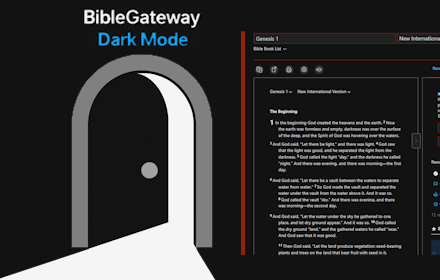
Why Dark Mode?
Reading long passages on a bright white screen can strain your eyes. This extension brings a clean, dark theme to BibleGateway.com, perfect for night reading or long study sessions.
🎨 Upgrade to Pro
Get advanced customization with Pro Palette sliders:
- Background Darkness - Adjust from deep black to lighter charcoal
- Text Lightness - Fine-tune text brightness for perfect readability
- Darken Side Nav - Replace the bright red sidebar with subtle dark tones
All changes apply instantly with no page flash. One-time purchase, lifetime access.
Get Pro PaletteFeatures
- ✨ One-click toggle for dark mode
- 🌙 Darker than other dark modes - true black backgrounds
- 🎨 NEW: Pro Palette - Fine-tune background darkness and text brightness
- 🔲 NEW: Darken Side Nav - Dim the red navigation sidebar
- ⚡ No flash on page load - instant dark mode
- 🔒 Privacy-first - no tracking, no data collection
- 💡 Lightweight and free core features

How to Use
- Download from Chrome Store
- Open BibleGateway.com.
- Enjoy comfortable reading.
- For quick access, click the Extensions icon in Chrome and pin Bible Gateway Dark Mode so you can toggle it on and off with one click.